Share a WooCommerce wishlist with one link
A wishlist someone shares is your product catalog delivered by a person the recipient trusts. Wishmio turns any wishlist into a revocable, read-only link in one click — made for gift lists, registries, and group buys.
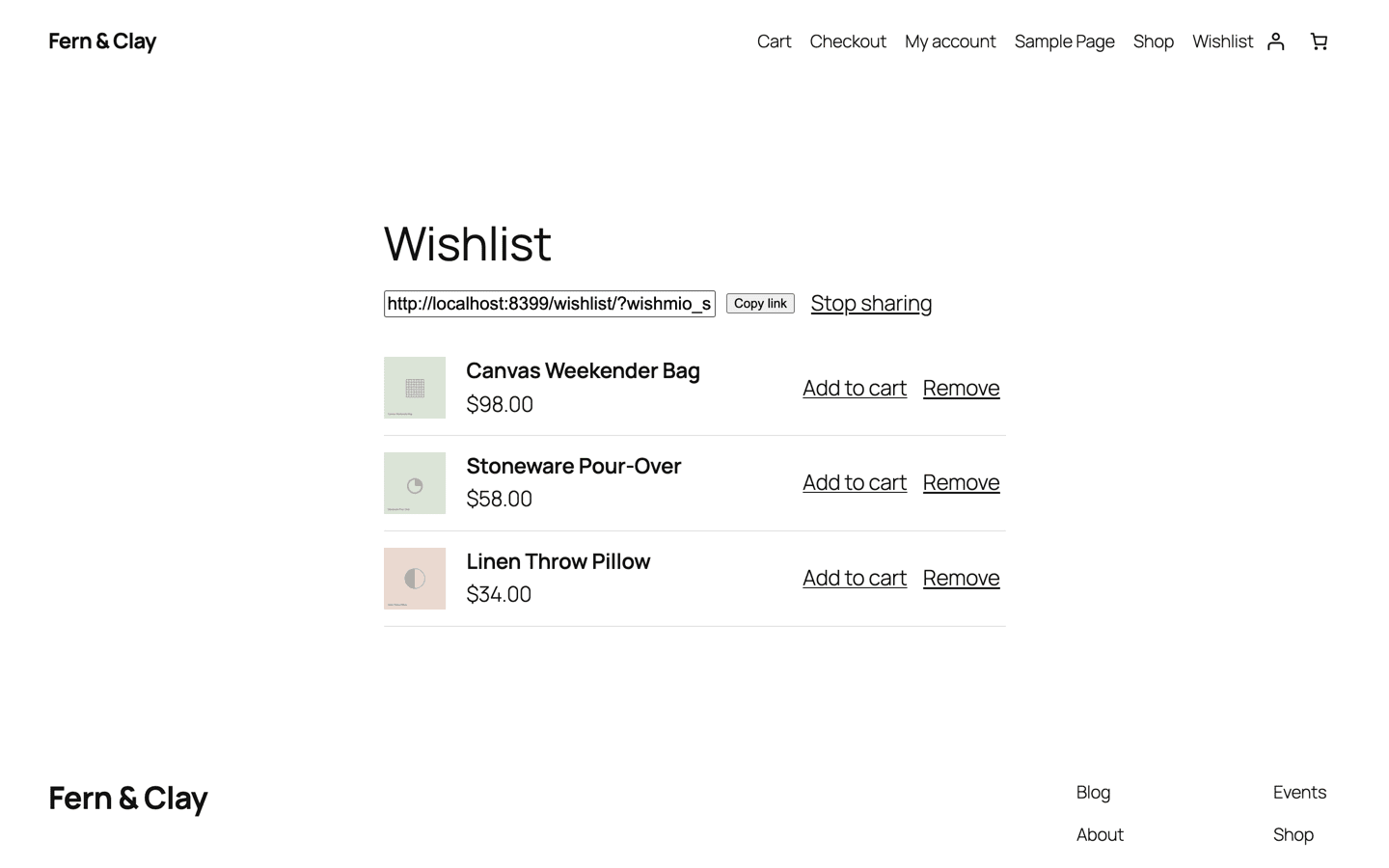
Why sharing turns wishlists into revenue
The person who fills a wishlist isn't always the person who pays for it. Birthday lists, holiday gift exchanges, wedding registries, "which one should I get?" group chats — in every one of those, the wishlist link travels to someone with a credit card and a reason to buy right now.
Every shared list is a curated page of your products, recommended by someone the visitor knows. That's referral traffic you didn't pay for, landing on products with purchase intent already attached.
How Wishmio share links work
- One click to share. The shopper hits Share on their wishlist page and gets a copyable link. No forms, no recipient emails to type.
- Read-only by design. Visitors opening the link see the products and can add them to their own cart — they can't edit or delete the owner's list.
- Revocable any time. Stop sharing kills the link instantly. Sharing again mints a fresh one.
- Credentials never touch the URL. The link carries an unguessable random token, not the shopper's account, email, or session. Forwarding it can never leak a login.
- Works for guests too. Guest wishlists share exactly the same way — no account needed on either end.
Common questions
Does WooCommerce's built-in wishlist do this?
Not yet — core's Shopper Lists (WooCommerce 10.9+) are single-list, private, and logged-in-only by design. Wishmio builds on core's foundation and adds sharing, guest lists, and multiple lists on top.
Can shoppers keep some lists private?
Yes. Sharing is per-list and off by default — a list is only visible to others while its owner keeps a share link active.
Do shared links expire?
They live until the owner revokes them, so a gift list shared in November still works in December. Idle guest lists purge after 60 days of inactivity (details).
Try it on your store
Sharing is in the free plugin — along with guest wishlists, multiple lists, and one-click import from your current wishlist plugin.