Guest wishlists for WooCommerce — no login required
Most wishlist intent happens before a shopper has an account — and most won't create one just to save a product. Wishmio gives every visitor a working wishlist from their very first click, then merges it into their account automatically if they ever sign up.
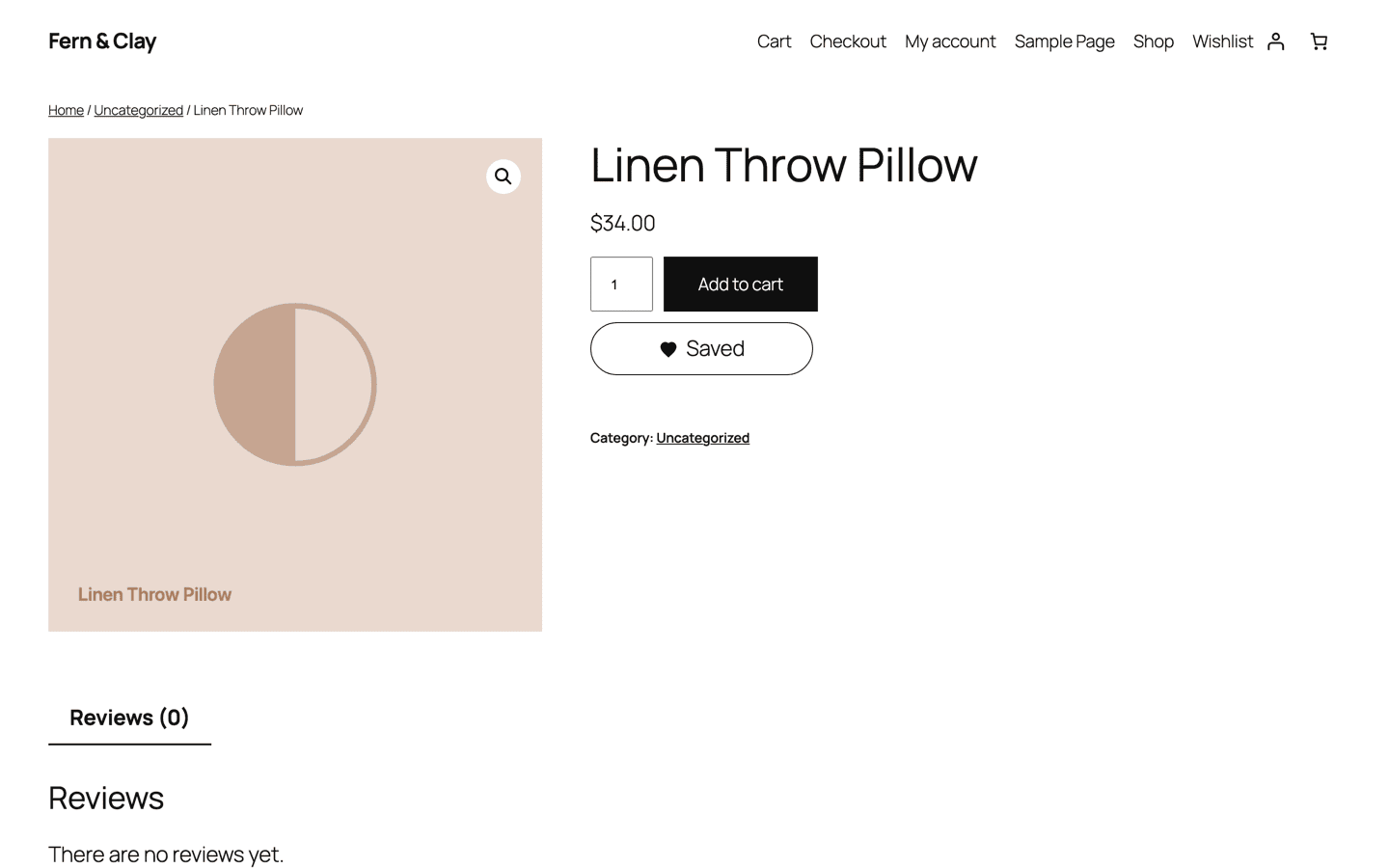
Why login-gated wishlists lose sales
A wishlist exists to capture purchase intent at the exact moment it happens. Put a registration form between the shopper and the save button, and for most visitors the save simply doesn't happen — the intent evaporates, and the product is forgotten by tomorrow.
WooCommerce's built-in wishlist (Shopper Lists, WooCommerce 10.9+) is deliberately logged-in-only. That's a fine foundation, but on a real store the majority of traffic is anonymous. Wishmio builds on core's foundation and adds the guest layer, so the wishlist works for every visitor — not just the ones who already trust you with an account.
How Wishmio guest wishlists work
- First save creates the list. A secure, first-party cookie identifies the guest's wishlist. It's set only after the shopper first saves something — nothing is stored for visitors who never use the feature.
- Login merges it — automatically. When a guest with a wishlist logs in or registers, their saved products merge into their account list in one step. Nothing is lost, nothing duplicates.
- No personal data in the cookie. The cookie holds only a signed random token — no email, no name, no tracking identifier.
- Idle lists clean themselves up. Guest lists untouched for 60 days are purged automatically (the window is filterable), so abandoned cookies never become a data-retention liability. Privacy details →
- Full-page caching stays effective. The page HTML is identical for every visitor; each shopper's saved state hydrates from one REST call after load. No cache exclusions needed. How caching works →
Common questions
Do guests have a wishlist page too?
Yes — the same wishlist page logged-in customers see, with add-to-cart and remove in place. Guests can also share their wishlist with a link.
Does this work on my theme?
Yes. The save button appears on product pages automatically on block and classic themes alike — see theme compatibility.
What about GDPR?
Guest wishlists live entirely on your site — no external service. Export and erase hook into WordPress's built-in personal-data tools, and the cookie is disclosed in one line you add to your privacy policy. Privacy & GDPR docs →
Can guests get back-in-stock emails?
With Wishmio Pro, guests can subscribe to restock alerts with their email address (double opt-in), no account needed.
Try it on your store
The free plugin includes guest wishlists, sharing, multiple lists, and one-click import from your current wishlist plugin — no trial, no feature timer.