A wishlist built for block themes — that still works on every classic theme
WooCommerce is moving to blocks; most live stores haven't. Wishmio is native on both sides of that line: real blocks and zero jQuery on block themes, automatic placement and shortcodes on classic themes. Install, done.
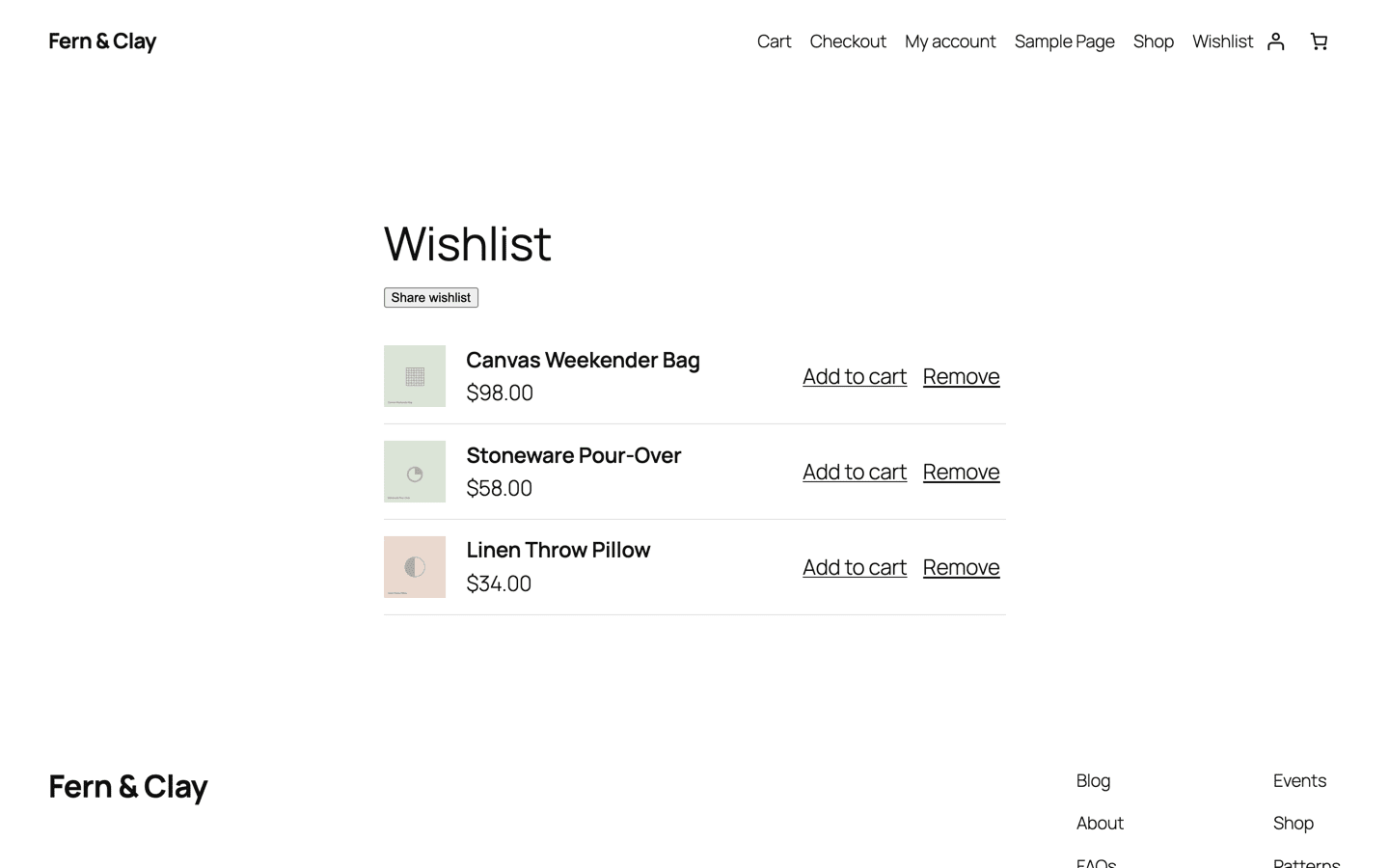
On block themes: native, not retrofitted
- Real blocks. An Add to Wishlist block you place anywhere in the product template with the site editor, and a Wishlist block for the list page itself. No widget wrappers around legacy markup.
- Interactivity API, zero jQuery. The button is powered by WordPress's own Interactivity API. Nothing extra loads on pages without wishlist elements, and there's no jQuery dependency anywhere.
- No layout shift. The button renders in the initial HTML and hydrates its saved-state in place — it doesn't pop in after load.
- Built on core's foundation. Wishmio mirrors the Store API shapes of WooCommerce's own Shopper Lists (10.9+), so it moves with the platform instead of fighting it — and imports core lists in one click.
On classic themes: it just appears
- Automatic placement. The save button hooks in after Add to cart on every product page — no template edits, no configuration screen to get through first.
- Shortcodes for full control. Custom template? Use
[wishmio_wishlist]for the list page and[wishmio_count]for a header badge, wherever you want them. - Page builders too. Elementor, Divi, and other builders that replace the product layout can place the block or shortcode directly in their templates. Placement guide →
- Inherits your theme's look. The button and wishlist page use your theme's own button and typography styles — the screenshots on this site are stock themes with zero custom CSS.
Fast on both, provably
Theme flexibility usually costs performance — extra assets everywhere, cache exclusions, per-visitor HTML. Wishmio is cache-neutral by design: identical HTML for every visitor, saved-state hydrated by a single REST call, and assets loaded only on pages that contain wishlist elements.
Every storefront operation runs in under 100 database queries with a flat cost curve, enforced by CI and published as a reproducible benchmark. Run it yourself →
Common questions
Why doesn't WooCommerce's built-in wishlist work on my theme?
Core's Shopper Lists (WooCommerce 10.9+) are block-themes-first by design — on a classic theme there's nowhere to place them. Wishmio builds on the same foundation and adds the classic-theme layer, plus guest wishlists and sharing.
Will it clash with my caching setup?
No — full-page caching stays fully effective with no exclusions. There's exactly one known edge case, documented with its one-line fix in the docs.
I'm switching themes — classic to block. Do wishlists survive?
Yes. Wishlist data is theme-independent; switch themes and the same lists render through blocks instead of hooks. Nothing to migrate.
Try it on your theme
Install the free plugin and the button is live on your product pages before you've opened a settings screen.